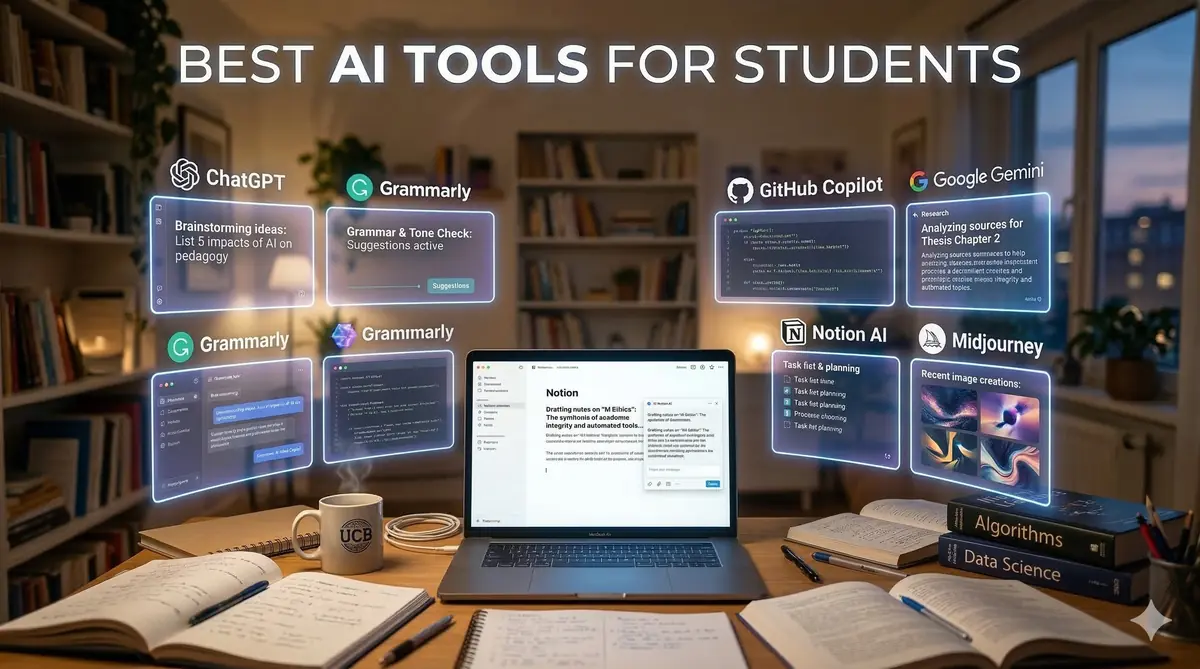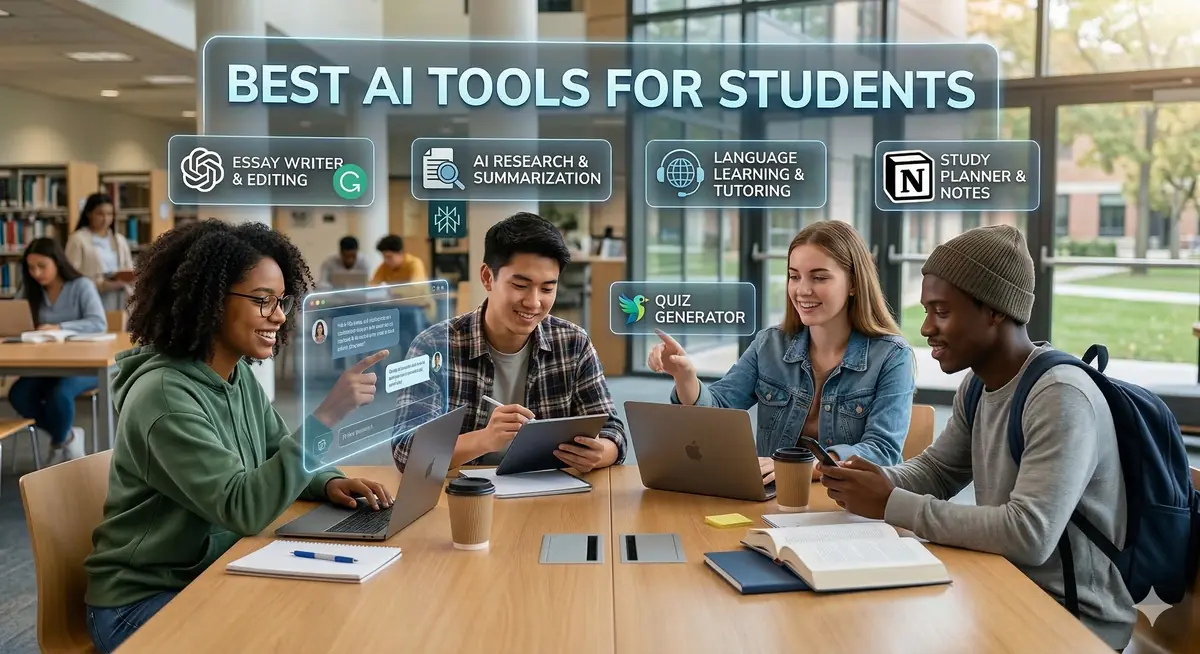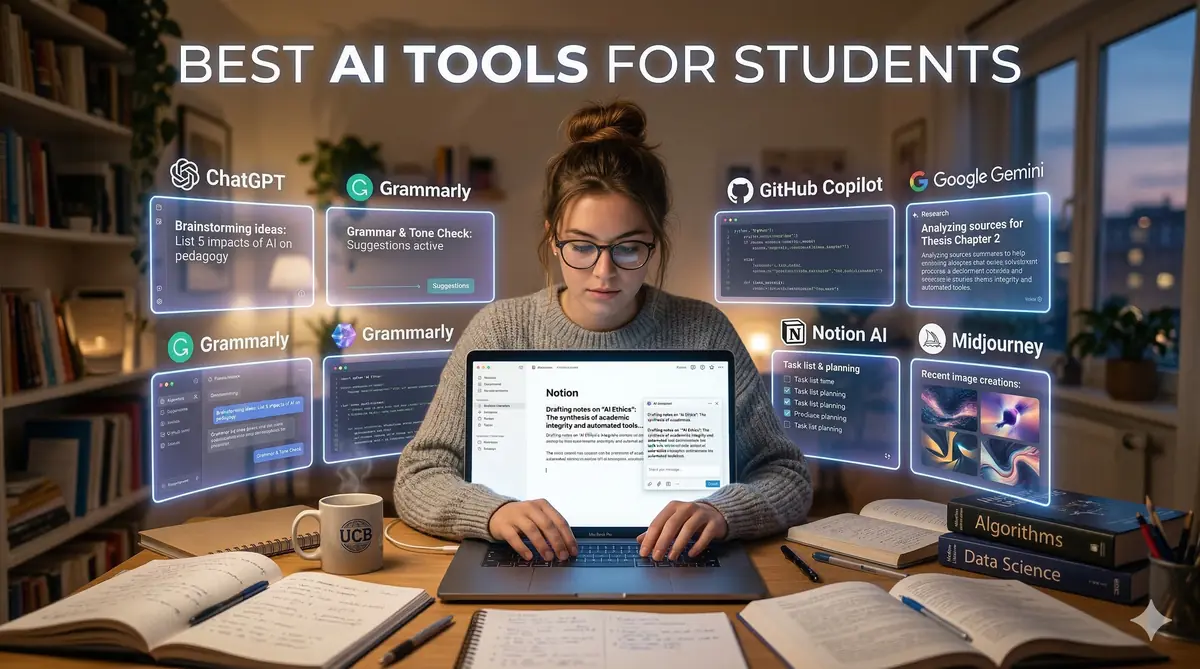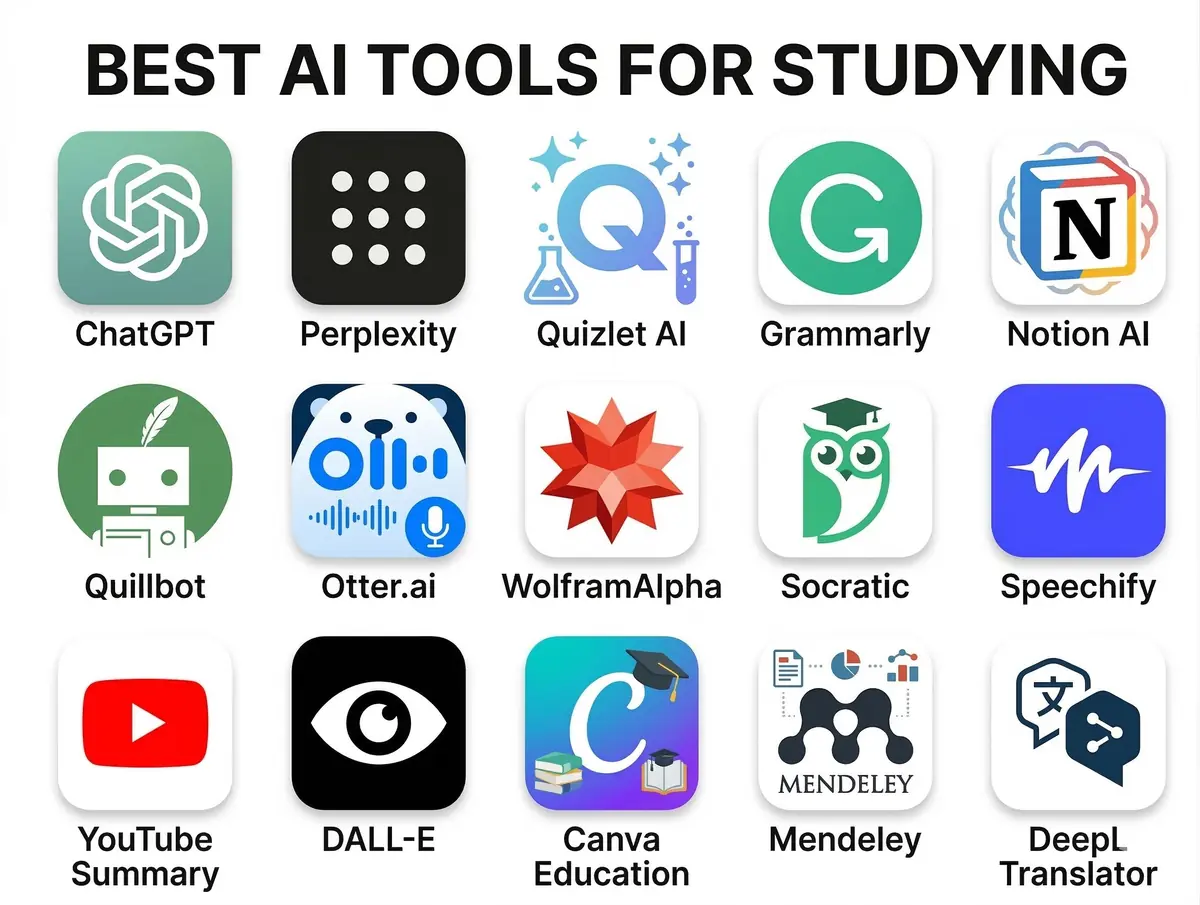
In the rapidly evolving landscape of education, the best AI tools for studying in 2026 have emerged as a transformative force, promising to revolutionize how students approach learning. By 2026, AI tools for studying are no longer just futuristic concepts but essential companions that empower learners to personalize their educational journey, optimize their time, and grasp complex subjects with unprecedented ease. This comprehensive guide will explore the best AI tools for studying in 2026, providing a detailed look at how these innovative technologies can dramatically enhance your academic performance and streamline your workflow, enabling a more efficient and effective learning experience. For a broader overview of how these technologies impact students, consider our guide on the Best AI Tools for Students in 2026. These AI assistants are designed to tackle everything from complex research to intricate coding challenges, truly embodying the future of learning.
- Prerequisites for Harnessing AI in Your Studies
- Leveraging the Best AI Tools for Studying in 2026
- Common Mistakes to Avoid When Using AI for Studying
- Conclusion: Embracing the Future of Learning with AI
- Frequently Asked Questions
- Further Reading & Resources
Prerequisites for Harnessing AI in Your Studies
Before diving into the exciting world of AI study tools, it's beneficial to establish a foundational understanding and ensure you have the necessary prerequisites in place. While many AI tools are designed for ease of use, a strategic approach will maximize their effectiveness and integrate them seamlessly into your existing study habits.
1. Fundamental Digital Literacy
To effectively utilize AI tools, a basic understanding of computer operation, internet navigation, and common software applications is crucial.
- Operating System Proficiency: Familiarity with your computer's operating system (Windows, macOS, Linux) for managing files, installing software, and basic troubleshooting.
- Web Browser Skills: Ability to navigate the internet efficiently, use search engines, manage tabs, and understand website security (e.g., identifying secure connections).
- Cloud Storage Awareness: Understanding how to use cloud services like Google Drive, Dropbox, or OneDrive for document storage, sharing, and synchronization. Many AI tools integrate directly with these platforms, making file management seamless.
2. Understanding AI's Capabilities and Limitations
It's vital to approach AI tools with realistic expectations. While incredibly powerful, AI is a tool, not a replacement for critical thinking or human insight.
- AI's Strengths: AI excels at tasks like information retrieval, summarization, pattern recognition, language generation, and data analysis. It can process vast amounts of data much faster than humans.
- AI's Limitations: AI can sometimes hallucinate (generate plausible but incorrect information), lack true understanding or common sense, and perpetuate biases present in its training data. Always cross-reference critical information.
- Ethical Considerations: Be aware of academic integrity policies regarding AI use. Understand what constitutes acceptable assistance versus plagiarism or academic dishonesty at your institution.
3. Stable Internet Connection and Device Access
Most AI tools, especially cloud-based ones, require a stable internet connection to function.
- Reliable Wi-Fi/Ethernet: Ensure consistent access to the internet to avoid interruptions during study sessions or critical tasks.
- Compatible Devices: A modern laptop, desktop computer, or tablet with sufficient processing power and memory is generally recommended. While some tools have mobile apps, the full functionality and ease of use often come with larger screens and keyboards.
4. Clear Learning Objectives
Before engaging with an AI tool, have a clear idea of what you want to achieve. This helps in selecting the right tool and formulating effective prompts.
- Define Your Goal: Are you trying to summarize a research paper, brainstorm essay ideas, debug code, or learn a new language?
- Identify Pain Points: Where in your current study process do you face challenges that AI could potentially alleviate? This targeted approach ensures you're using AI strategically, not just for the sake of it.
5. Openness to Experimentation and Learning
The world of AI is dynamic. New tools and features emerge regularly.
- Embrace Exploration: Don't be afraid to try different tools and experiment with various prompts and settings.
- Continuous Learning: Stay updated on new AI advancements and best practices for using these tools effectively. Many AI platforms offer tutorials and community forums that can be valuable resources.
With these prerequisites in place, you're well-equipped to integrate the best AI tools for studying in 2026 into your academic life and unlock their full potential.
Leveraging the Best AI Tools for Studying in 2026
The landscape of educational technology is buzzing with innovation, and 2026 sees a sophisticated array of AI tools designed to cater to every facet of a student's academic journey. From streamlining research to personalizing learning paths, these tools are set to define the studying experience.
1. Generative AI for Brainstorming, Summarization, and Explanations
Generative AI models, such as Google's Gemini and OpenAI's ChatGPT, have matured significantly, offering unparalleled capabilities for idea generation, content understanding, and simplification. These are among the best AI tools for studying in 2026 due to their versatility.
How it Helps:
- Brainstorming: Overcome writer's block by generating essay topics, outlining arguments, or exploring different perspectives on a subject.
- Summarization: Quickly condense lengthy articles, research papers, or textbook chapters into digestible summaries, saving valuable reading time.
- Complex Explanations: Get simplified explanations of intricate concepts, theories, or formulas, often with examples tailored to your understanding level.
- Drafting & Editing: Generate initial drafts for essays, reports, or creative writing assignments, then refine them yourself. It can also help with grammar and style checks.
Procedure for Effective Generative AI Use:
1. Define Your Task Clearly:
*   Be specific about what you need. Avoid vague prompts.

```text
Bad Prompt: "Tell me about climate change."
Good Prompt: "Summarize the key arguments for anthropogenic climate change from recent scientific consensus, focusing on impacts on biodiversity."
```
2. Provide Context and Constraints:
*   Include relevant background information or specify desired output format, length, or tone.

```text
Prompt Example: "Explain quantum entanglement to a high school student, using analogies. Keep the explanation under 200 words and avoid jargon where possible."
```
3. Iteratively Refine Your Prompts:
*   If the initial output isn't satisfactory, don't just generate a new one. Refine your prompt based on the previous response. Learn the art of crafting precise instructions for AI to maximize its utility; a good starting point is understanding principles like [Holi Prompt Engineering](/holi-prompt-engineering-mastering-creative-ai-interactions/).

```text
Initial Prompt: "Write an essay outline on the causes of the French Revolution."
Refinement: "Expand on the social inequalities section of the French Revolution outline, specifically detailing the grievances of the Third Estate."
```
4. Verify and Critically Evaluate Output:
*   Always cross-reference generated information with reliable sources. AI can sometimes "hallucinate" facts.
*   Treat AI-generated content as a starting point, not a final submission.
Recommended Tools:
- Google Gemini: Known for its multimodal capabilities and integration with Google's ecosystem, excellent for research and creative tasks.
- ChatGPT (OpenAI): A powerful conversational AI, widely used for text generation, summarization, and coding assistance.
- Claude (Anthropic): Valued for its longer context windows and emphasis on safety and helpfulness, ideal for processing extensive documents.
2. AI-Powered Research Assistants
Research is often the most time-consuming part of academic work. AI-powered research assistants in 2026 are designed to drastically cut down this time, helping students discover, analyze, and synthesize information more efficiently.
How it Helps:
- Academic Paper Discovery: Find relevant research papers, articles, and scholarly sources based on your keywords and research questions, often ranking them by relevance and citation impact.
- Information Extraction: Automatically extract key data points, methodologies, and findings from multiple documents.
- Literature Review Support: Generate summaries of entire literature bodies, identify gaps in research, and suggest new avenues for inquiry.
- Citation Management: Some tools can help organize references and generate citations in various academic styles.
Procedure for Efficient AI Research:
1. Formulate Precise Research Questions:
*   Clear, focused questions yield better search results.

```text
Instead of: "History of Rome"
Try: "What were the primary economic factors contributing to the decline of the Western Roman Empire in the 5th century AD?"
```
2. Utilize Advanced Filters and Keywords:
*   Leverage the tool's advanced search options (publication year, author, journal, methodology).

```text
Prompt Example for a research tool: "Find peer-reviewed articles on 'machine learning ethics in healthcare' published between 2022-2025, focusing on applications in diagnostic imaging."
```
3. Review AI-Generated Summaries and Abstracts:
* Use the summaries to quickly assess relevance before deep-diving into full papers.
4. Download and Annotate Key Papers:
* Most tools will provide direct links to sources. Download and use annotation tools for active reading.
Recommended Tools:
- Elicit: An AI research assistant that finds academic papers, extracts key information, and summarizes findings from research.
- Perplexity AI: Uses large language models to provide direct answers with citations, making it excellent for quick, verifiable information gathering.
- Semantic Scholar: Focuses on scientific literature, using AI to connect relevant papers and identify influential works.
3. AI for Language Learning and Writing Improvement
For students tackling new languages or striving for polished academic writing, AI offers personalized tutoring and sophisticated editorial assistance.
How it Helps:
- Personalized Language Tutoring: AI tutors can provide conversational practice, grammar explanations, vocabulary building, and pronunciation feedback in target languages.
- Grammar and Style Correction: Identify and correct grammatical errors, punctuation mistakes, and stylistic inconsistencies in essays and reports.
- Plagiarism Detection: Some tools offer advanced plagiarism checks, ensuring academic integrity.
- Vocabulary Enhancement: Suggests stronger synonyms or more appropriate terminology for academic writing.
Procedure for AI-Assisted Language and Writing:
1. For Language Practice: Engage in Conversational Prompts:
*   Use the AI as a conversation partner to practice speaking or writing in the target language.

```text
Prompt Example: "Let's role-play. You are a barista in Paris, and I am ordering a coffee in French. Start the conversation."
```
2. For Writing Feedback: Submit Drafts for Review:
*   Paste your essay or paragraph into the AI tool and request specific feedback.

```text
Prompt Example: "Review this paragraph for clarity, conciseness, and academic tone. Suggest improvements to sentence structure."
```
3. Focus on Specific Areas for Improvement:
* If you struggle with a particular grammar rule, ask the AI for targeted exercises or explanations.
Recommended Tools:
- Duolingo Max: The premium version of Duolingo incorporates generative AI for personalized lessons, explanations, and role-playing scenarios.
- Grammarly: An indispensable tool for grammar, spelling, punctuation, clarity, and style, with AI suggestions for improving writing quality.
- QuillBot: Offers paraphrasing, summarization, grammar checking, and co-writing features to enhance writing flow and vocabulary.
4. AI for Coding Assistance and Debugging
For computer science students and developers, AI coding assistants have become indispensable. These tools significantly accelerate coding, improve code quality, and simplify debugging processes.
How it Helps:
- Code Generation: Generate snippets, functions, or even entire class structures based on natural language descriptions.
- Code Completion: Provides intelligent suggestions as you type, speeding up coding and reducing errors.
- Debugging Assistance: Helps identify errors in code, suggests fixes, and explains why a particular error might be occurring.
- Code Explanation: Explains complex or unfamiliar code blocks, making it easier to understand legacy code or collaborate on projects. For instance, AI can clarify the intricate logic behind various graph traversal algorithms or dynamic programming solutions.
- Code Refactoring: Suggests ways to optimize code for performance, readability, and adherence to best practices.
Procedure for Using AI in Coding:
1. Clearly Describe Your Intention:
*   When asking for code, specify the language, desired functionality, and any constraints.

```text
Prompt Example: "Write a Python function that takes a list of numbers and returns their average, handling potential empty list errors."
```
2. Provide Existing Code for Analysis:
*   If debugging or refactoring, paste the relevant code block into the AI.

```python
def calculate_average(numbers):
    total = sum(numbers)
    return total / len(numbers)

# Prompt: "This Python function crashes with ZeroDivisionError if 'numbers' is empty. How can I fix it to return 0 for an empty list?"
```
3. Understand and Test Generated Code:
*   Never blindly copy-paste AI-generated code. Understand its logic and test it thoroughly.
*   Ask the AI to explain the code if any part is unclear.
Recommended Tools:
- GitHub Copilot: Integrates directly into popular IDEs, providing real-time code suggestions and completions based on the context of your code.
- Tabnine: An AI code completion tool that learns your coding patterns and provides personalized suggestions.
- ChatGPT/Gemini for Coding: Excellent for generating explanations of algorithms, debugging errors by asking "why" it failed, and generating boilerplate code.
5. AI for Personalized Learning and Adaptive Flashcards
Personalized learning experiences are a hallmark of advanced AI in education. These tools adapt to your individual pace and learning style, ensuring maximum retention.
How it Helps:
- Adaptive Learning Paths: Adjusts the curriculum and content difficulty based on your performance, focusing on areas where you need improvement.
- Spaced Repetition Systems (SRS): Optimizes review schedules for flashcards, presenting material just before you're about to forget it, maximizing long-term memory retention.
- Concept Mapping: Helps visualize relationships between concepts, aiding in holistic understanding.
- Performance Analytics: Provides insights into your strengths and weaknesses, helping you target your study efforts more effectively.
Procedure for Personalized AI Learning:
1. Input Your Learning Material:
* Upload notes, PDFs, or textbook content to the AI flashcard or learning platform.
2. Engage with Adaptive Exercises:
* Actively participate in quizzes, practice problems, and interactive lessons provided by the AI.
3. Regularly Review Suggested Content:
* Follow the spaced repetition schedule for flashcards and revisit topics identified as weak by the AI.
Recommended Tools:
- Anki (with AI add-ons): While Anki is a traditional SRS, various community-developed AI add-ons enhance its capabilities for generating cards or optimizing review.
- Quizlet (AI-powered features): Leverages AI to generate study sets, practice tests, and intelligent review sessions from your notes.
- Khanmigo (Khan Academy): An AI-powered tutor designed to assist students with math, science, and humanities, providing personalized guidance and explanations.
6. AI for Note-Taking and Organization
Efficient note-taking and organization are fundamental to effective studying. AI tools in 2026 can automate much of this process, turning raw information into structured, searchable knowledge.
How it Helps:
- Automatic Transcription: Transcribes lectures, meetings, or video content into text, making it searchable and editable.
- Smart Summarization: Automatically summarizes transcribed notes, highlighting key points and actionable items.
- Intelligent Tagging and Categorization: Organizes notes by automatically adding relevant tags, topics, and categories, making retrieval effortless.
- Knowledge Graph Creation: Some advanced tools can build interconnected knowledge graphs from your notes, showing relationships between concepts.
Procedure for AI-Enhanced Note-Taking:
1. Record Your Lectures/Meetings:
* Use a dedicated recording app or the AI note-taking tool itself to capture audio.
2. Upload/Paste Your Notes:
* Feed the transcribed text or your written notes into the AI tool.
3. Review and Refine AI-Generated Summaries/Tags:
* While AI is good, a quick human review ensures accuracy and adds personal context.
4. Utilize Search and Organization Features:
* Effectively use the AI's search capabilities to find specific information quickly and browse through categorized notes.
Recommended Tools:
- Otter.ai: Specializes in real-time transcription and summarization of voice conversations, making it excellent for lectures and group study sessions.
- Notion AI: Integrates directly into the Notion workspace, allowing users to summarize notes, brainstorm ideas, translate content, and generate action items within their existing databases.
- Obsidian (with AI plugins): While Obsidian is a robust personal knowledge management system, community-developed AI plugins can extend its capabilities for intelligent linking, summarization, and content generation within your local knowledge base.
Common Mistakes to Avoid When Using AI for Studying
While the best AI tools for studying in 2026 offer immense potential, missteps can undermine their effectiveness or lead to undesirable academic outcomes. Being aware of these common pitfalls is crucial for a successful integration of AI into your study routine.
1. Over-Reliance and Lack of Critical Thinking
The most significant mistake is to passively accept AI output without engaging your own critical faculties.
- Problem: Treating AI as an infallible oracle rather than a powerful assistant. Students might copy-paste AI-generated text directly without understanding it or checking for accuracy.
- Solution: Always verify information, especially factual data, from reputable sources. Use AI outputs as a starting point for further research, understanding, and personal synthesis. Develop a habit of questioning and evaluating.
2. Poor Prompt Engineering
The quality of AI output is directly proportional to the quality of your input. Vague or poorly constructed prompts yield irrelevant or unhelpful responses.
- Problem: Using overly simplistic or ambiguous prompts that don't provide enough context or specify the desired outcome.
- Solution: Learn the art of "prompt engineering." Be specific, provide context, define constraints (length, tone, format), and iterate on your prompts. Think about what information the AI needs to give you the best possible answer.
3. Ignoring Academic Integrity and Plagiarism
Using AI to generate content without proper attribution or personal understanding can lead to serious academic penalties.
- Problem: Submitting AI-generated essays, code, or answers as your own work without significant modification, original thought, or citation.
- Solution: Understand your institution's policies on AI use. Use AI as a tool for learning, brainstorming, and drafting, but always ensure the final output is genuinely your work. If using AI-generated ideas, cite them appropriately if required, and always paraphrase and integrate them into your own voice.
4. Neglecting Fundamental Learning Skills
Relying too heavily on AI for tasks like summarization or problem-solving can hinder the development of essential academic skills.
- Problem: Not practicing summarization skills because AI always does it, or not grappling with difficult problems because AI provides instant solutions.
- Solution: Use AI to enhance your skills, not replace them. For instance, after an AI summarizes a text, try to summarize it yourself to compare and learn. Use AI to understand solutions, not just get them. It should be a tool for explanation and practice, not a shortcut around learning.
5. Data Privacy and Security Concerns
Feeding sensitive personal information or proprietary research into public AI models can pose privacy and security risks.
- Problem: Copy-pasting confidential research data, personal notes with identifying information, or intellectual property into general-purpose AI chat models.
- Solution: Be mindful of the data you share. Use enterprise-level AI tools or local models where available for sensitive information. Always read the privacy policy of any AI tool you use. Assume that anything you input into a public AI model could potentially be used for training or become public.
6. Information Overload and Decision Fatigue
The sheer volume of information and options AI tools can provide might lead to analysis paralysis.
- Problem: Being overwhelmed by too many generated ideas, too many research papers, or too many suggested revisions, leading to inefficiency.
- Solution: Set clear boundaries and objectives for your AI use. Filter and prioritize the AI's output ruthlessly. Sometimes, a simpler, focused approach is better than a comprehensive, overwhelming one. Learn to discern useful information from noise.
7. Not Adapting to Evolving AI Capabilities
The AI landscape changes rapidly. Tools evolve, and new capabilities emerge regularly.
- Problem: Sticking to old methods or being unaware of new features that could significantly improve your workflow.
- Solution: Stay curious and updated. Regularly check for updates from your preferred AI tools, read tech blogs, and experiment with new features. Participate in user communities to learn best practices and discover innovative uses.
By proactively addressing these common mistakes, you can ensure that your use of the best AI tools for studying in 2026 is not only productive but also responsible and conducive to genuine learning and academic success.
Conclusion: Embracing the Future of Learning with AI
As we navigate through 2026, it's clear that artificial intelligence is no longer an optional enhancement but a fundamental component of effective academic life. The best AI tools for studying in 2026 offer an unprecedented opportunity to transform your learning experience, making it more efficient, personalized, and deeply engaging. From generative AI that sparks creativity and simplifies complex concepts to intelligent research assistants that cut down hours of literature review, and from AI tutors that make language acquisition accessible to powerful coding companions, the array of resources available to students today is truly revolutionary.
Embracing these technologies, however, requires more than just knowing which tools to use; it demands a strategic approach, a commitment to critical thinking, and a keen awareness of ethical considerations. By understanding AI's capabilities and limitations, refining your prompt engineering skills, upholding academic integrity, and continuously adapting to new advancements, you can harness the full power of these tools. The future of education is here, and with the intelligent application of the best AI tools for studying in 2026, students are better equipped than ever to excel in their academic pursuits and prepare for a world increasingly shaped by artificial intelligence.
Frequently Asked Questions
Q: Can AI tools replace traditional study methods entirely?
A: No, AI tools are powerful enhancements, not replacements. They excel at tasks like summarization, brainstorming, and personalized practice, but critical thinking, deep analysis, and human interaction remain essential components of a well-rounded education.
Q: Are there any ethical concerns when using AI for academic work?
A: Yes, ethical considerations are crucial. Students must be aware of their institution's academic integrity policies regarding AI use. Using AI for brainstorming or drafting is generally acceptable, but submitting AI-generated content as original work without significant personal contribution or proper citation can lead to plagiarism.
Q: How can I choose the best AI tool for my specific study needs?
A: The best tool depends on your specific goals. For writing, consider Grammarly or QuillBot. For research, Elicit or Perplexity AI are excellent. For coding, GitHub Copilot or ChatGPT are invaluable. Experiment with free versions to find what integrates best with your workflow and addresses your pain points.